| Docs Help
  AppSource  
Docs  /  App  /  E-Document - ebInterface  /  Setup  /  General

 Payment Methods


2026/05/20 • 1 min. to read
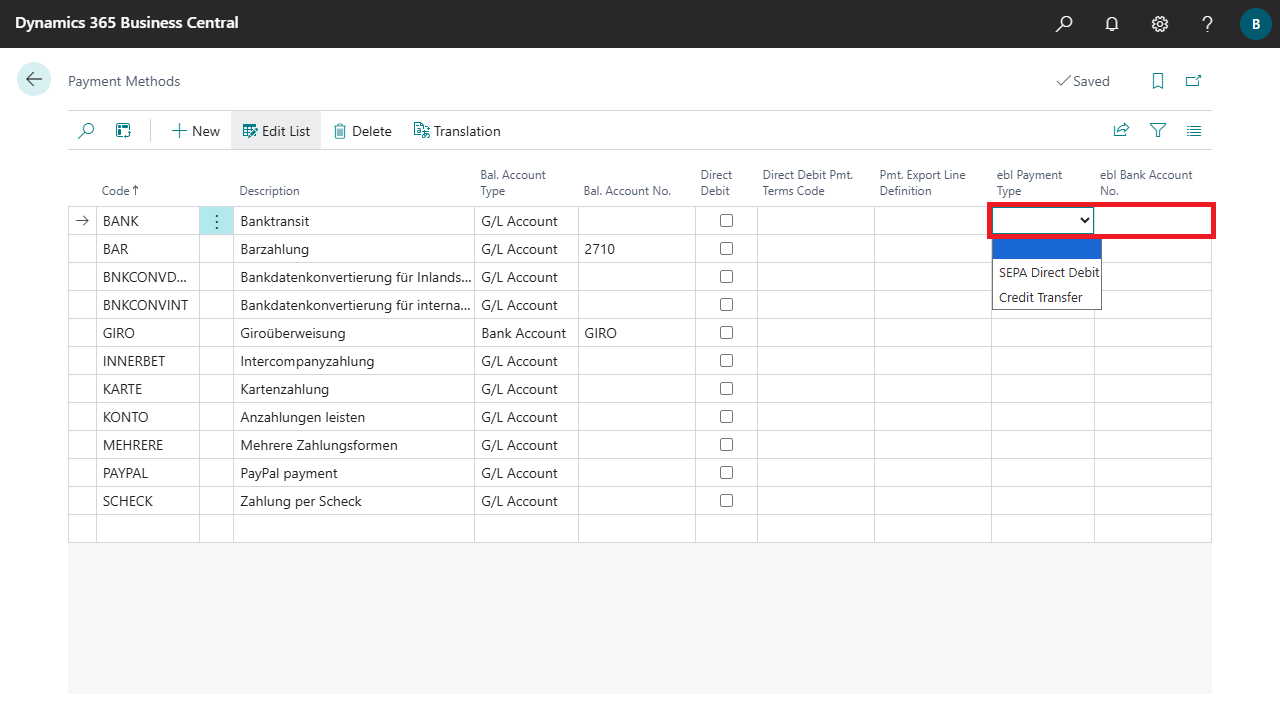
On the Payment Methods page, you must specify the appropriate payment types and bank accounts to be used for ebInterface.

Fields

ebI Payment TypeSpecifies the payment type for ebInterface invoices.

Note

  • For invoices, a payment type must be specified.
  • For credit memos, the payment type is ignored and the document is transmitted with No Payment.
ebI Bank Account No.Specifies a bank account to be used if no bank account is specified in the Company Bank Account Code field of the document resp. the invoice.

Note

  • If no account is specified either in the document or here, the bank details from the Company Information will be used for ebI Payment Type = Credit Transfer.
  • For ebI Payment Type = SEPA Direct Debit the Creditor No. must be specified in the bank account.


Submit feedback for
DE|EN Imprint