


★ Featured App

E-Document - ebInterface
Create and send e-invoices in accordance with the Austrian standard.
More information
 Job Business Partners in Service
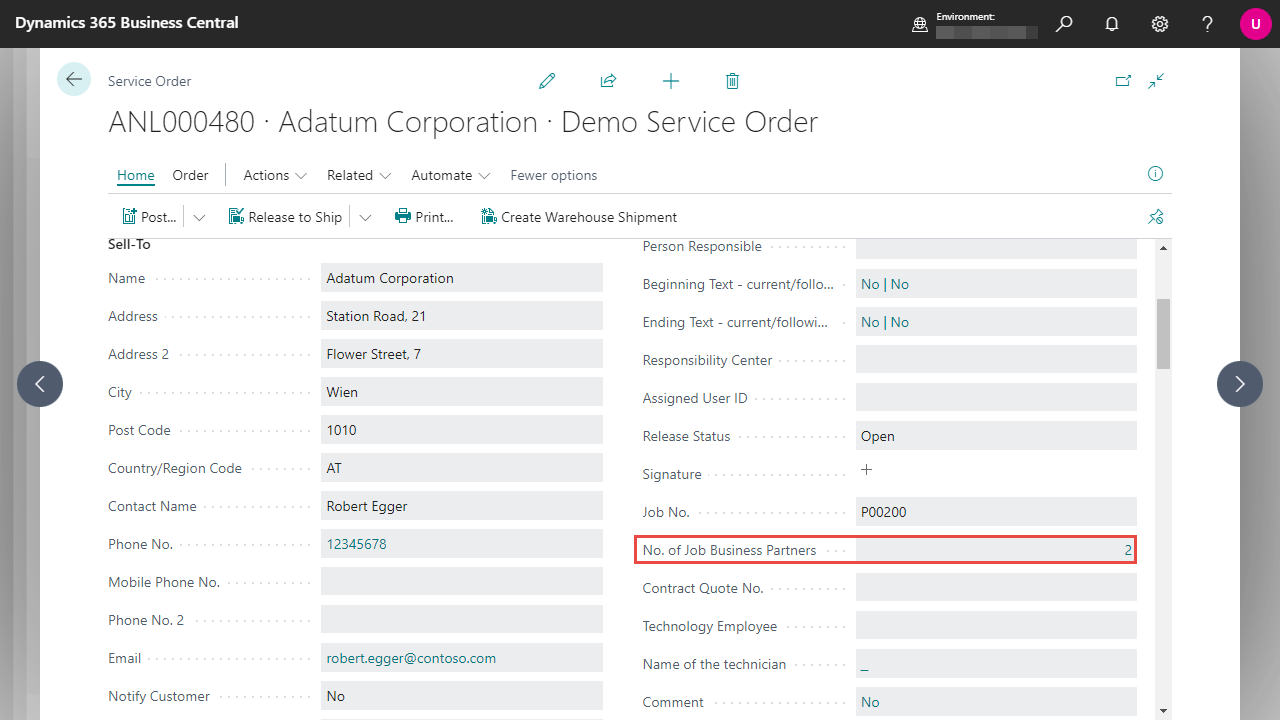 By clicking on the number, you can retrieve the list of associated business partners directly.
You will also find a Job Business Partners FactBox in the defined service pages, which displays the linked contact name for each business partner.
By clicking on the number, you can retrieve the list of associated business partners directly.
You will also find a Job Business Partners FactBox in the defined service pages, which displays the linked contact name for each business partner.
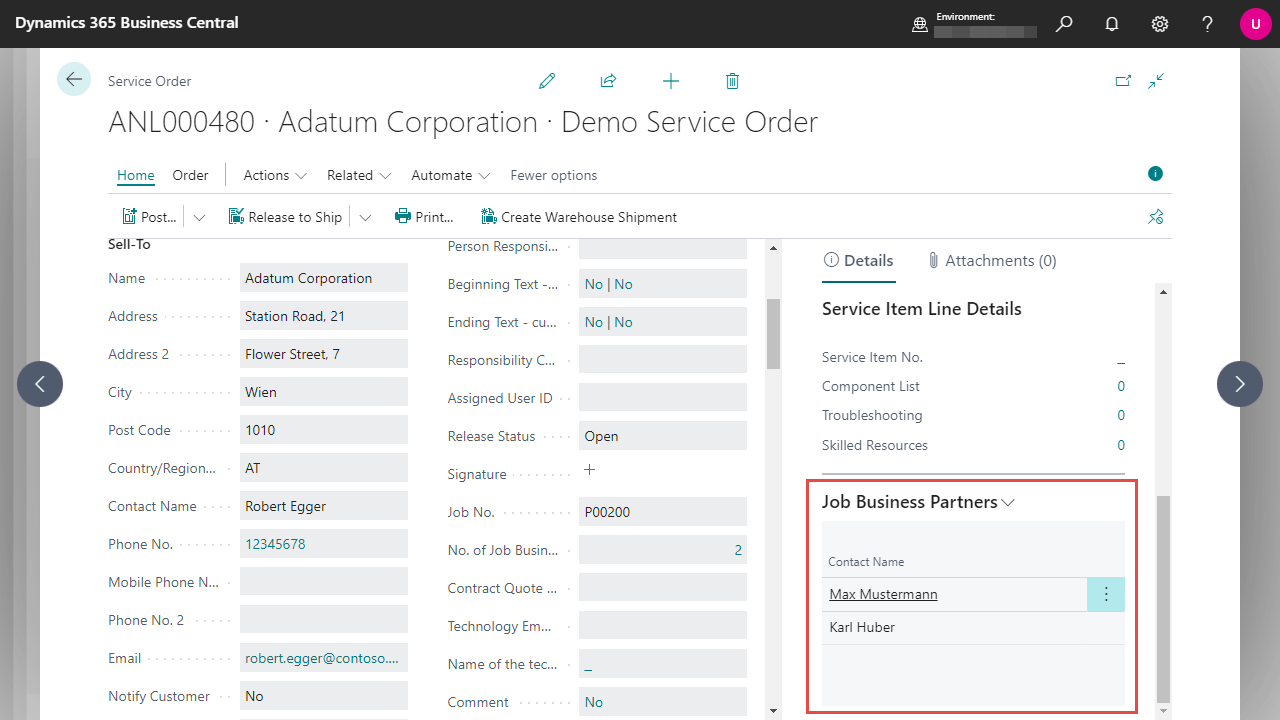 However, this FactBox is only used to view the business partners - it is therefore not possible for you to make changes or calls at this point.
| E-Document - ebInterface Create and send e-invoices in accordance with the Austrian standard. More information  |

